🎬 Introduction:
Cinematic look woh magic touch hota hai jo ek simple video ko movie-like feel de deta hai.
Lekin kya tumhe pata hai ki cinematic look sirf expensive camera se nahi milta?
Aaj hum step-by-step seekhenge ki tum apne normal footage ko bhi professional cinematic bana sakte ho – editing ke through.
🎞️ Step 1: Shoot in the Right Frame Rate
Cinematic videos generally use 24 frames per second (FPS).
Ye natural motion aur film-like flow deta hai.
Agar tum vlog ya cinematic b-roll bana rahe ho, to hamesha 24 FPS use karo.
🧠 Pro Tip: Slow motion ke liye 60 FPS par shoot karo, fir editing me usse 24 FPS me slow down karo.
🎨 Step 2: Use Flat or Log Profile While Shooting
Flat ya Log profile me shoot karne se video thoda dull lagta hai,
lekin ye extra color grading control deta hai.
Ye professional editors ka secret hai — jisse tum cinematic colors achieve kar sakte ho.
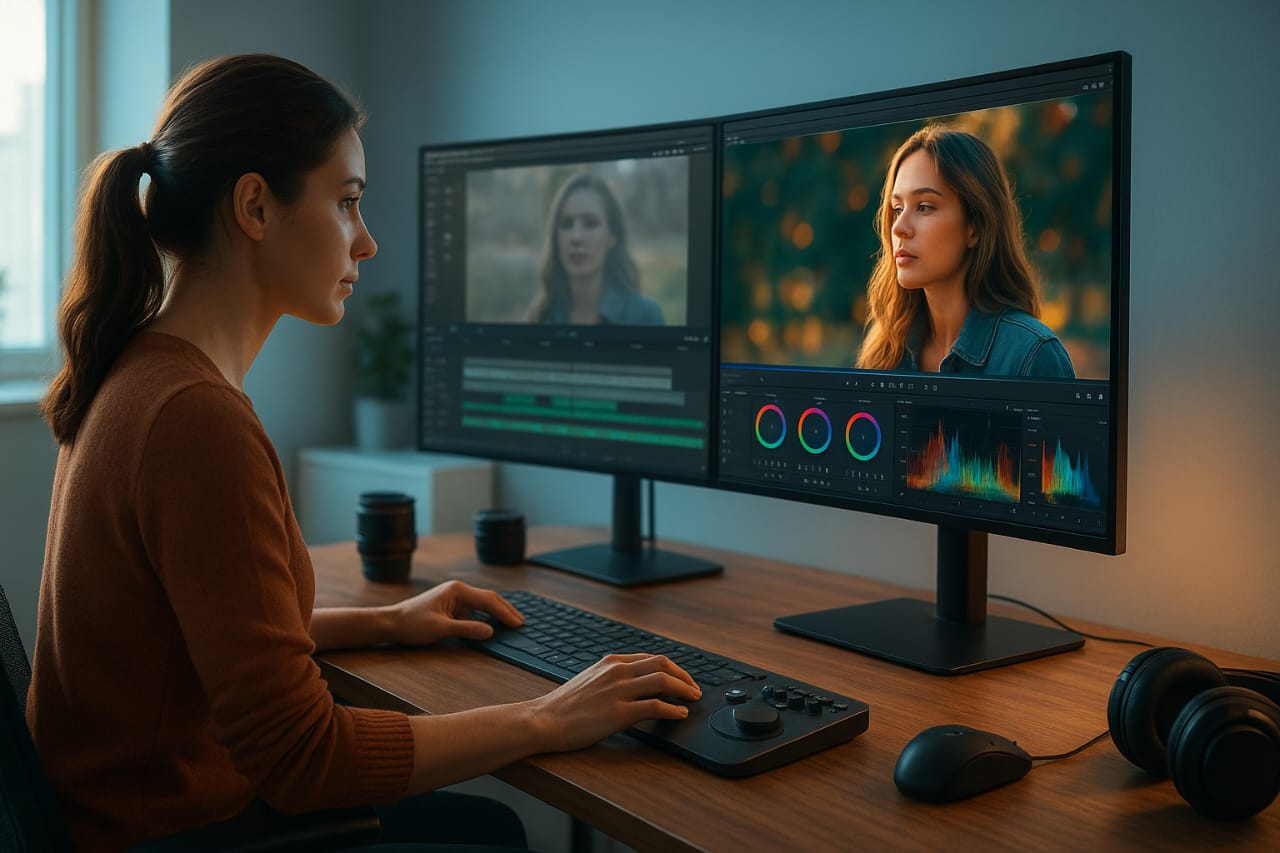
🌈 Step 3: Apply Cinematic LUTs (Color Grading)
Color grading cinematic look ka sabse bada step hai.
Use Teal & Orange LUTs, warm tones, aur contrast adjust karo.
Skin tones ko natural rakho aur shadows me thoda blue/teal tone do.
🧠 Software Tips:
- Adobe Premiere Pro: Lumetri Color Panel → Basic Correction
- DaVinci Resolve: Color Wheels aur Curves
💡 Step 4: Adjust Lighting & Exposure
Cinematic look tabhi milta hai jab lighting balanced ho.
Highlights kam rakho, shadows thoda enhance karo, aur exposure slightly low rakho —
taaki video soft aur natural लगे.
🔈 Step 5: Add Ambient Sound or Background Music
Music aur sound cinematic feel ko 10x badha dete hain.
Use ambient sounds (wind, birds, city noise) and emotional background music.
Isse viewer emotionally connect karta hai.
🎬 Step 6: Add Letterbox (Black Bars)
16:9 video ke upar aur neeche thoda black bar add karne se frame cinema screen jaisa lagta hai.
Aspect ratio: 2.35:1
Ye ek simple but powerful cinematic trick hai.
✂️ Step 7: Smooth Transitions and Camera Movements
Avoid hard cuts.
Use slow dissolves, fade in/out, or whip pan transitions for cinematic motion.
Always follow the beat of music for transitions.
🎞️ Step 8: Use Depth of Field and Motion Blur
Cinematic look = depth.
Background thoda blur rakho (shallow depth of field)
aur motion blur enable karo taaki movement smooth lage.
💡 Final Thoughts:
Cinematic look ek combination hai — lighting, color grading, framing, aur storytelling ka.
Agar tum ye 8 steps follow karte ho, to tumhara video ek professional film look dega,
chahe footage kisi bhi camera se ho.
👉 Practice, experiment aur apna unique style develop karo — yehi hai real cinematic editing ka art!